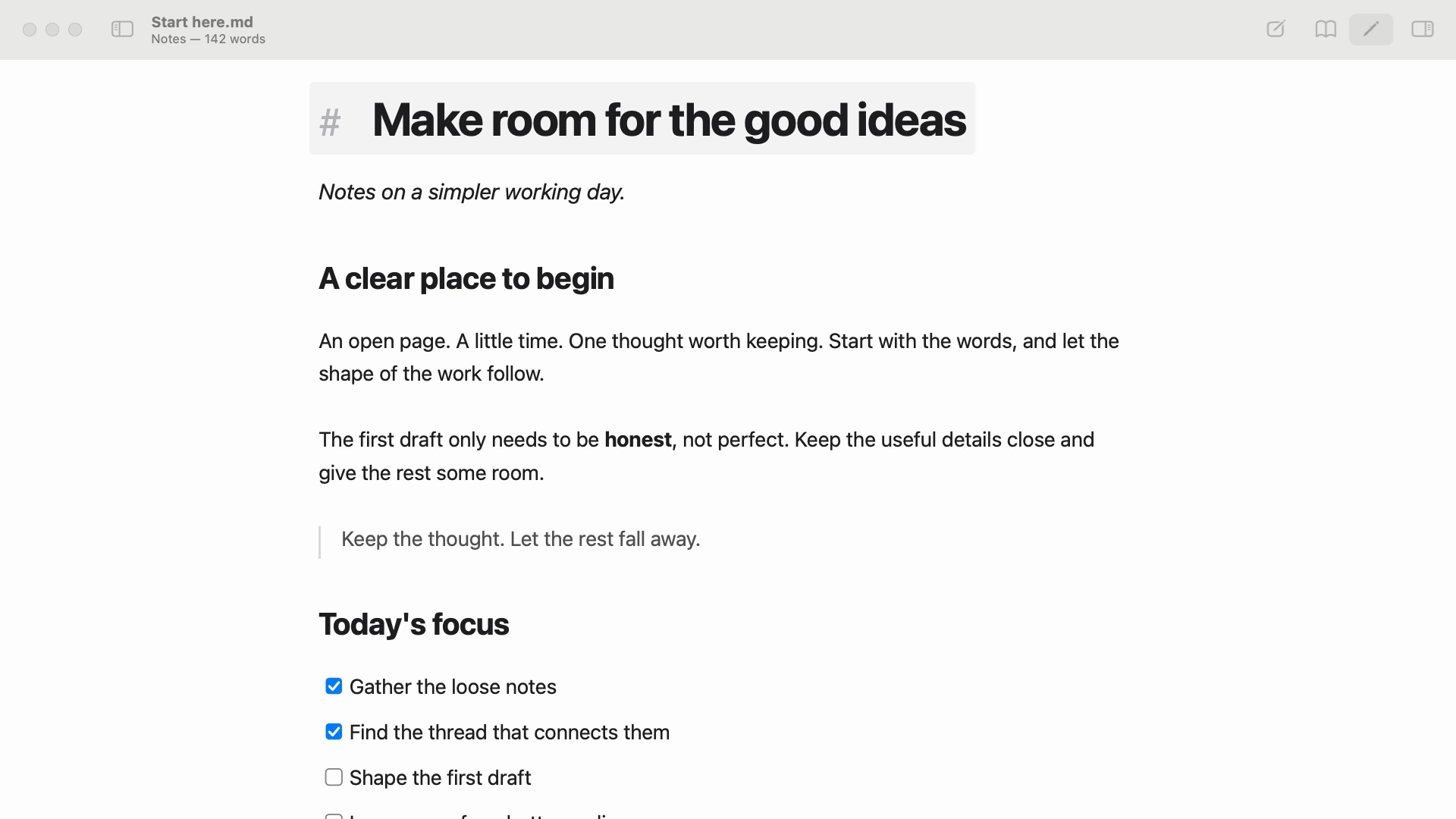
Write right where you read.
The block you're editing reveals its Markdown. The rest stays beautifully readable. One page for both sides of the work.
 Twainty
A NATIVE MARKDOWN EDITOR FOR MAC
A quiet place to read, write, and think.
Beautifully at home on
your Mac.
Available on the Mac App Store · macOS 14 or later
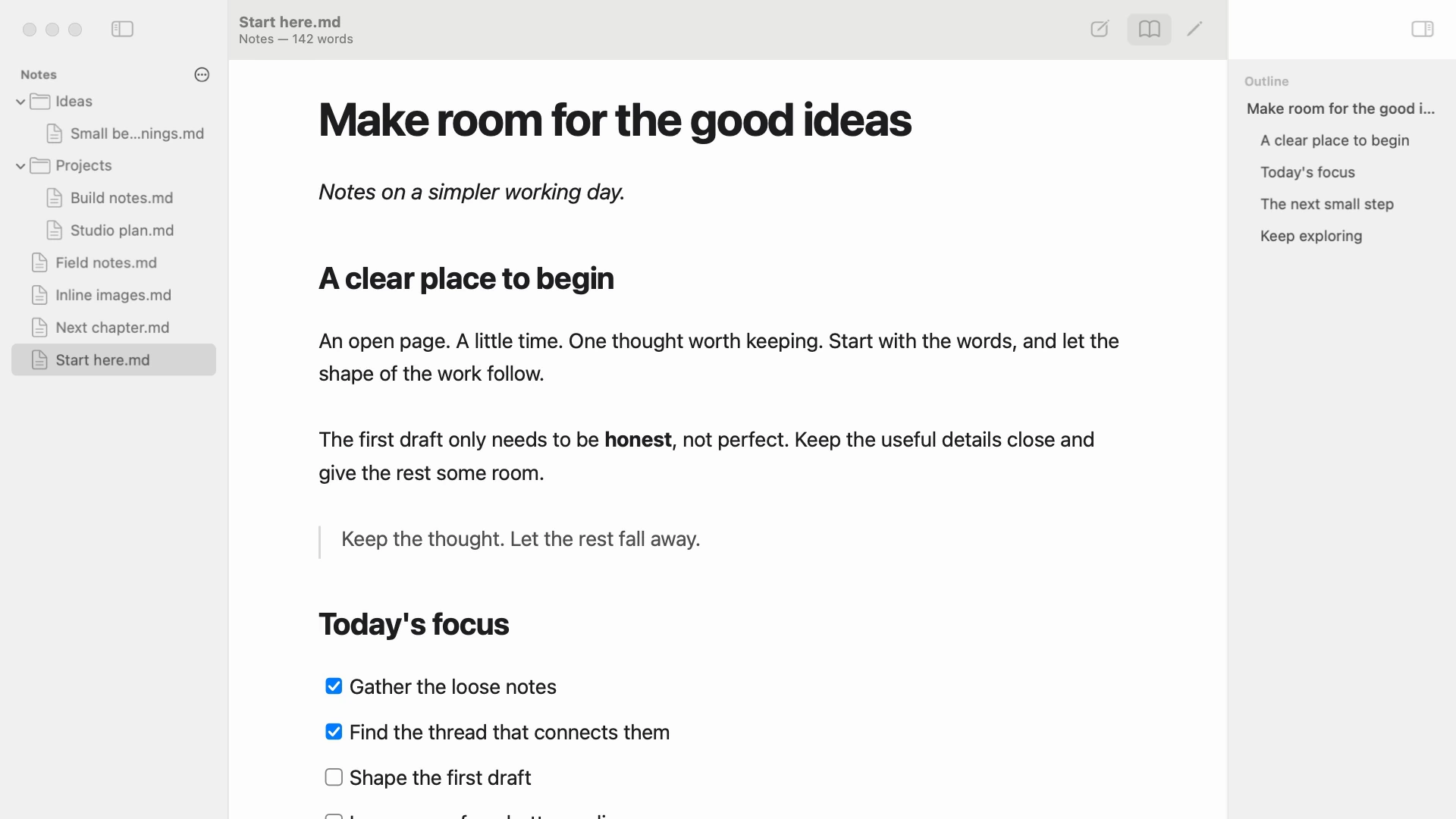
Your documents, your outline, and your next thought. All in one place.
Native to your Mac
Ordinary Markdown files
No account. No distractions.
TWAINTY, IN MOTION
01 / NOTHING BUT THE PAGE
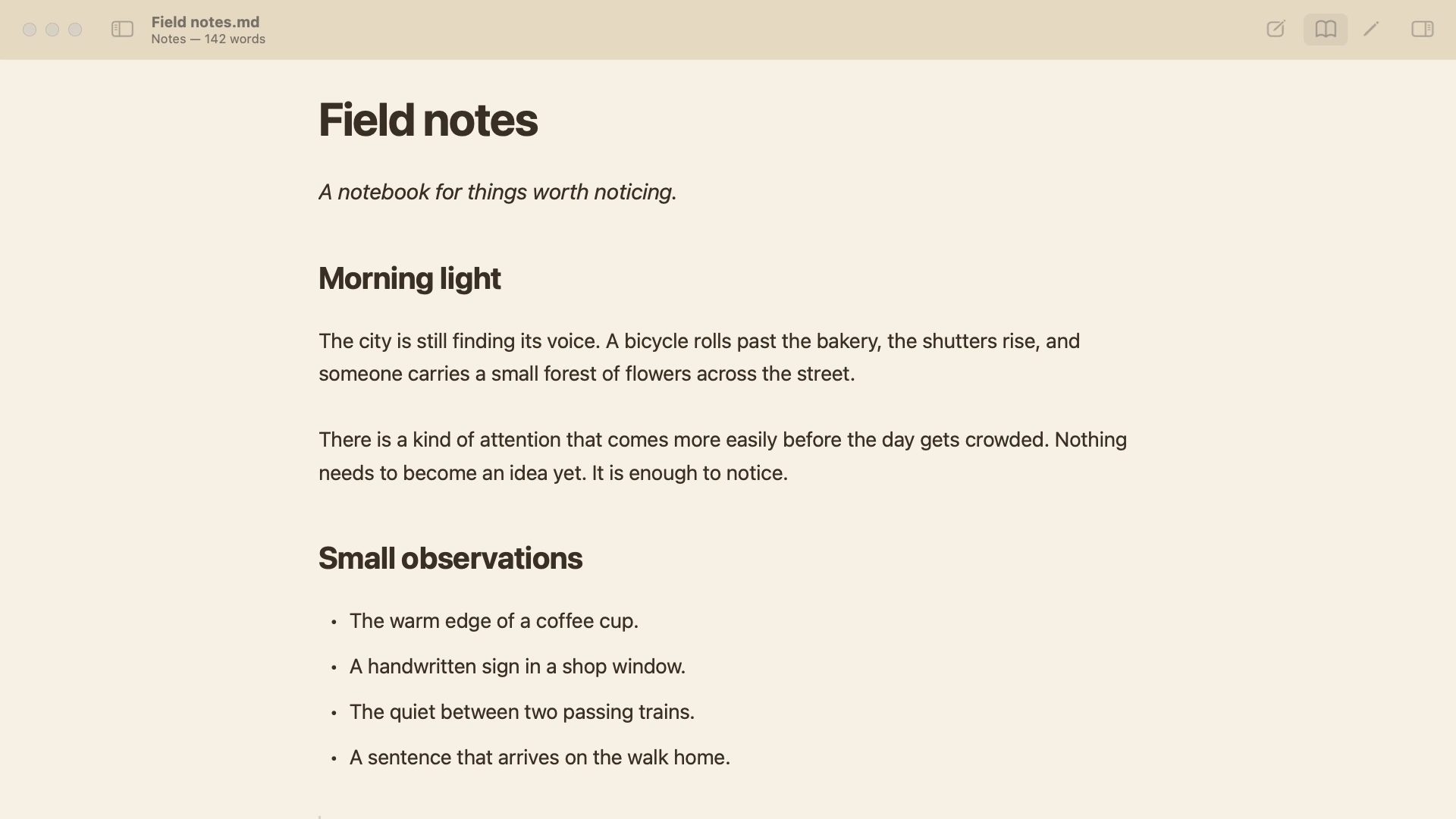
Close the panels and start writing. The toolbar and tabs gently fade, leaving you with your words. Move to the top of the window when you need them again.
Try the quiet view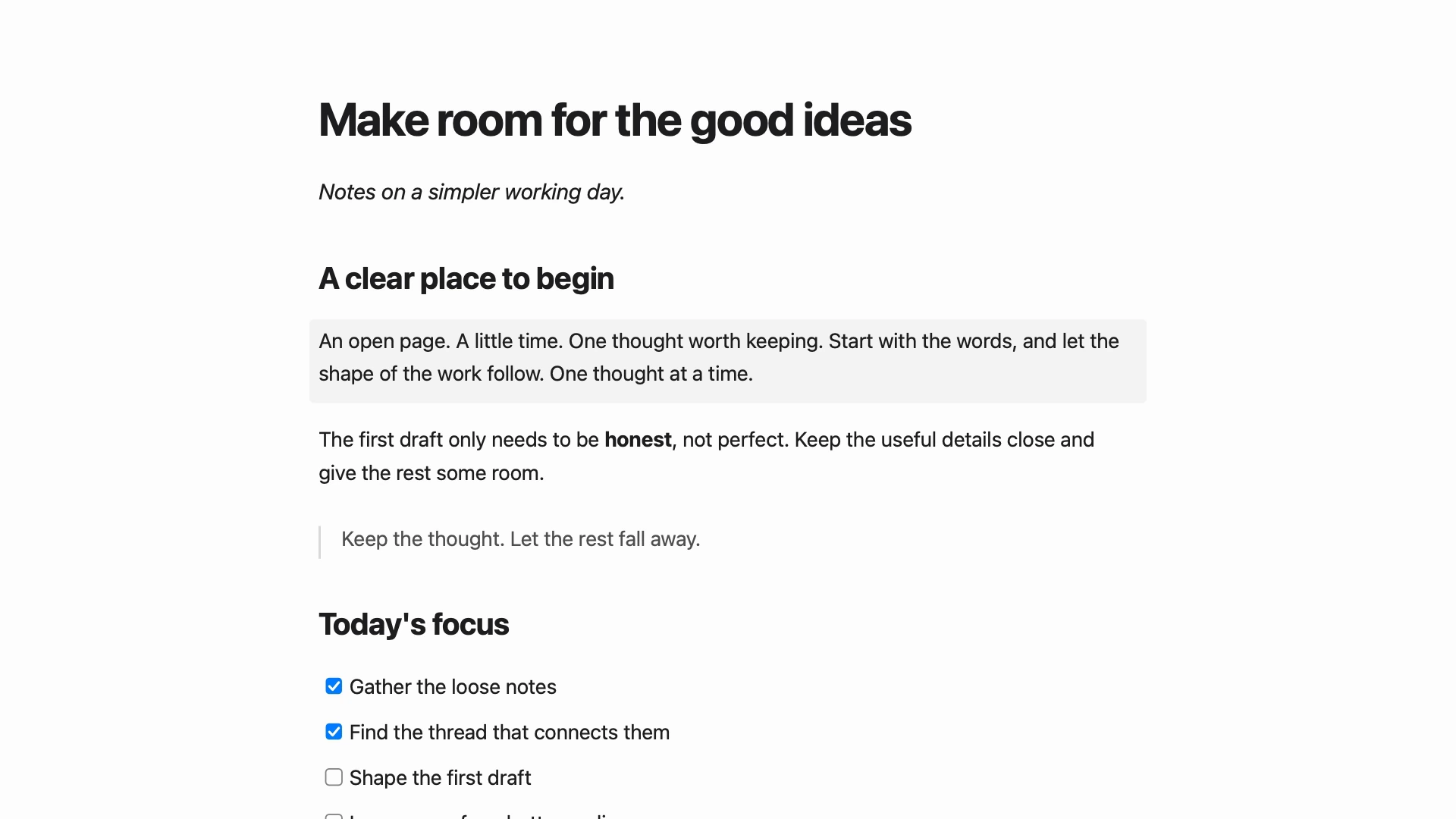
02 / STAY WITH THE THOUGHT
Read, write, and find your way.
Without losing the thread.
The block you're editing reveals its Markdown. The rest stays beautifully readable. One page for both sides of the work.
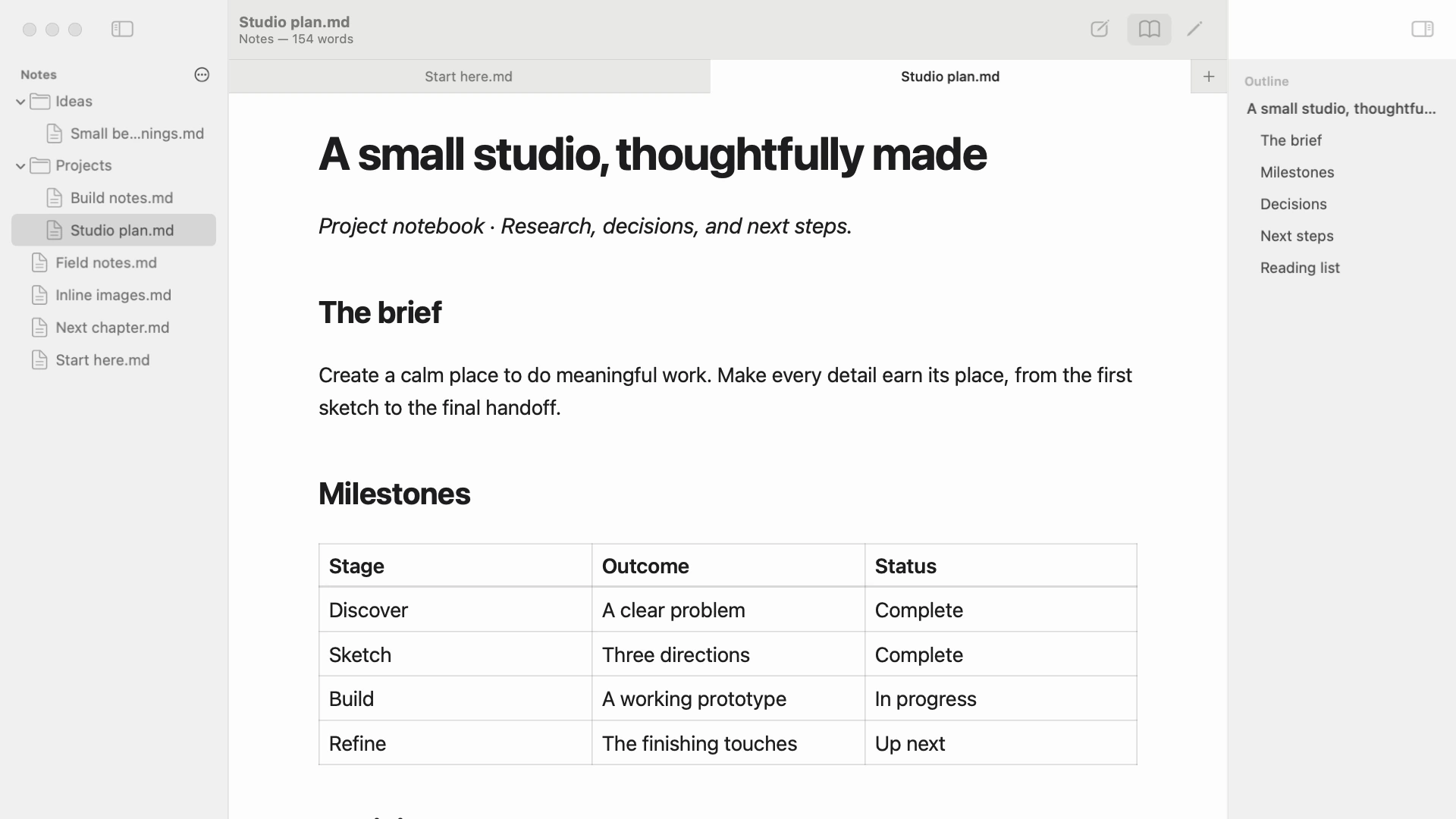
Familiar folders. Documents in tabs. An outline to take you straight to the right heading. Everything where you left it.
03 / YOUR KIND OF SPACE
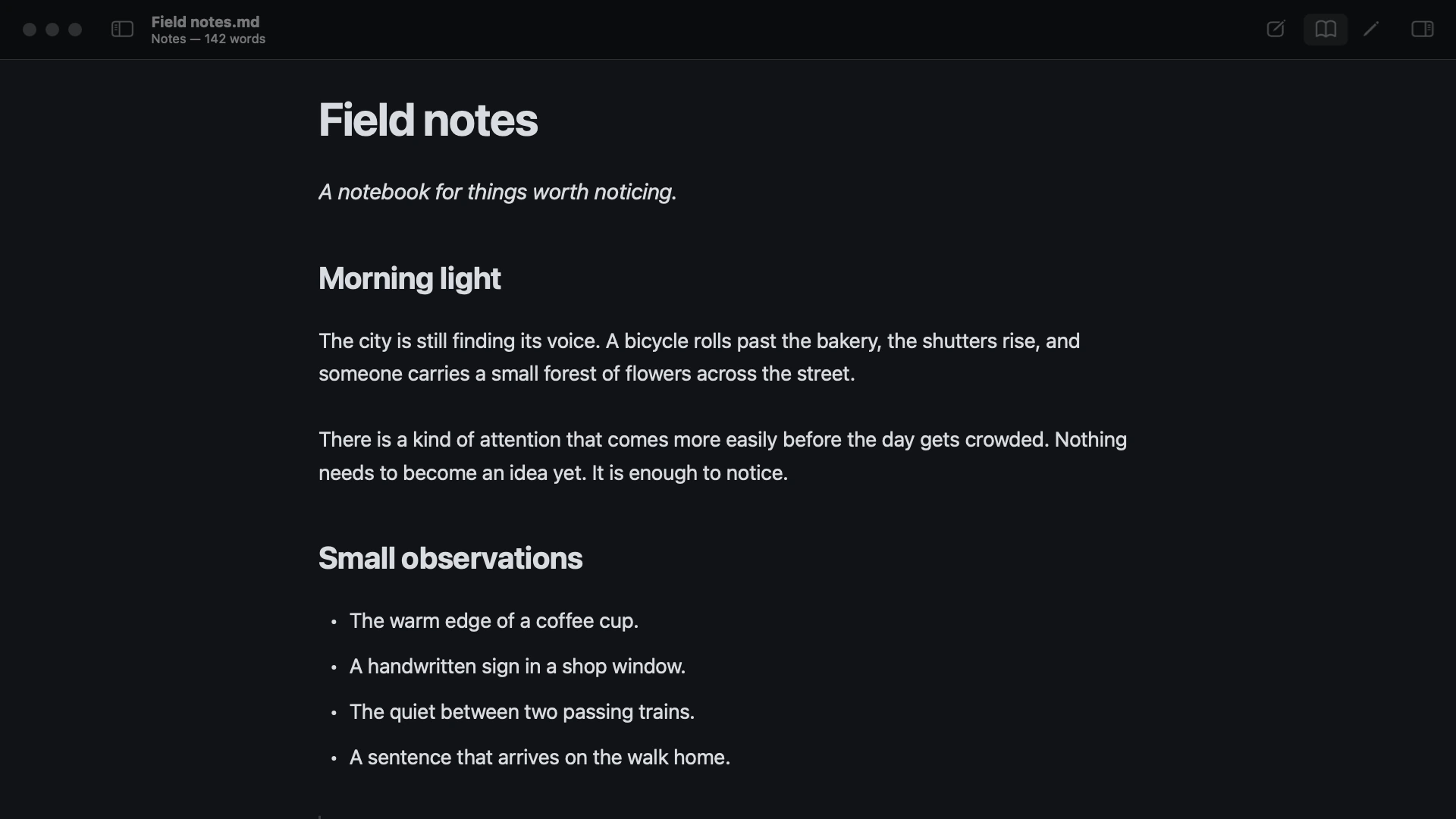
Morning light or a late-night thought. Six light and dark themes, your favorite fonts, and just the right amount of room.
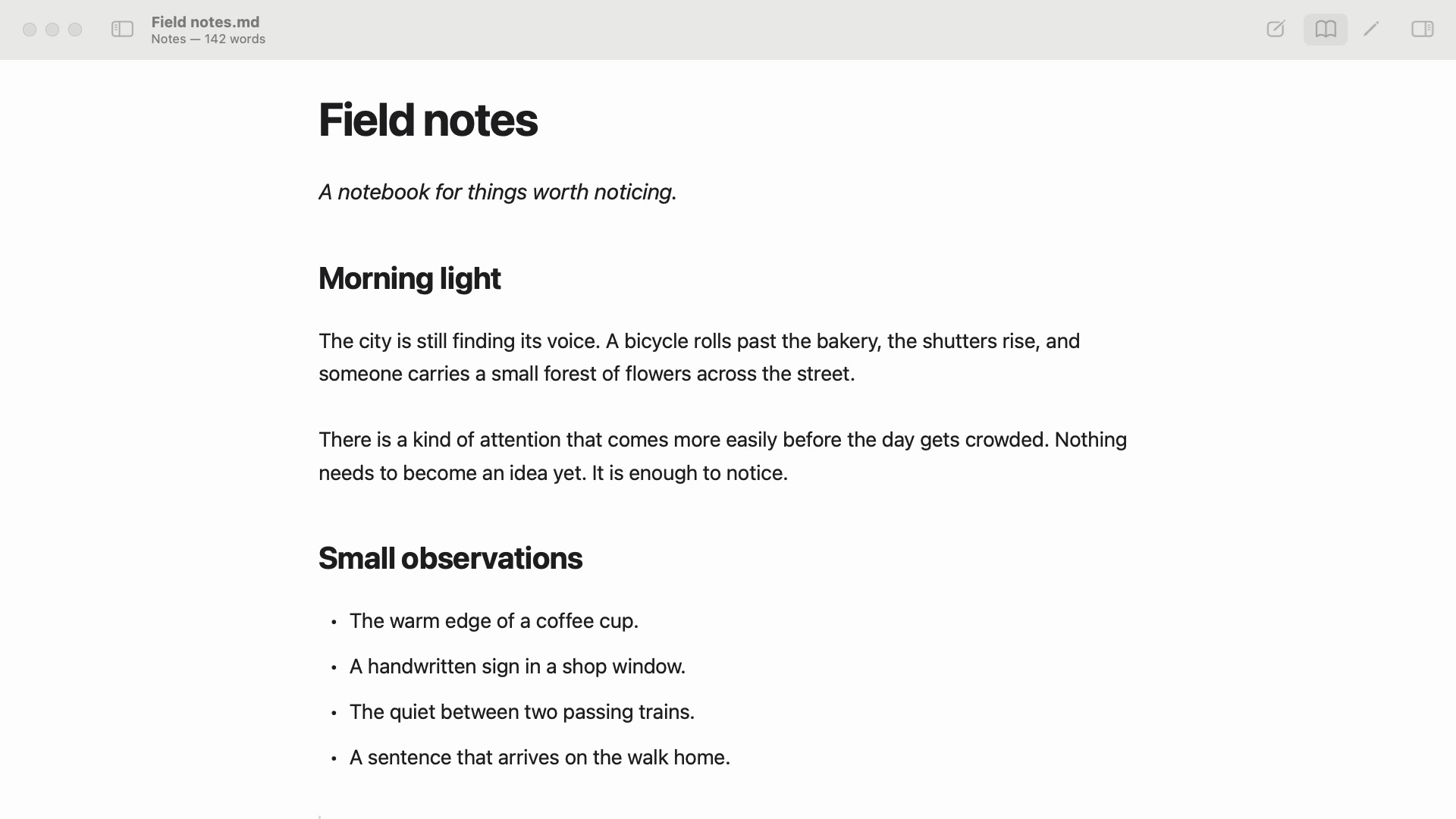
Open a folder. Start writing. Your work stays in ordinary Markdown files on your Mac, ready to open in any other editor.
No sign-in, no uploads, no new system to move into. And when it's time to share, export a PDF.
Read our privacy policyA FEW THINGS TO KNOW
Twainty runs on macOS 14 Sonoma or later, on both Apple silicon and Intel Macs. Get it from the Mac App Store.
No account, sign-in, or internet connection is needed for editing. Open your own folder, or begin with the sample notes included in the app.
They stay right where they are. Twainty works with ordinary Markdown files and folders. Nothing needs to be imported or converted.
A SPACE FOR WHAT COMES NEXT.
macOS 14 or later · Apple silicon & Intel
FROM THE MAKER OF TWAINTY
 Coming soon
Clipboard history as cards.
Browse, search, and paste every copy.
 Mac App Store
Less busywork. More building.
54 everyday developer tools in one native Mac app. Format, convert, decode, and hash, with everything staying on your Mac.
 App Store
Keep the good bits.
Pin screenshots, files, and notes beside your work. Hang them on a line when you need your desktop back.
 Coming soon
Deep clean for macOS.
Clears what macOS and your apps leave behind, maps what fills your disk, and shows what runs in the background.